
Google Developer Knowledge API and MCP: A Practical Guide for AI Coding Agents
How to ground coding assistants in current Google documentation using MCP, REST, client libraries, and source-aware retrieval.
AI coding assistants are useful only when their context is reliable. A model can write convincing code while relying on an outdated API, a renamed setting, or documentation that never applied to the developer's environment.
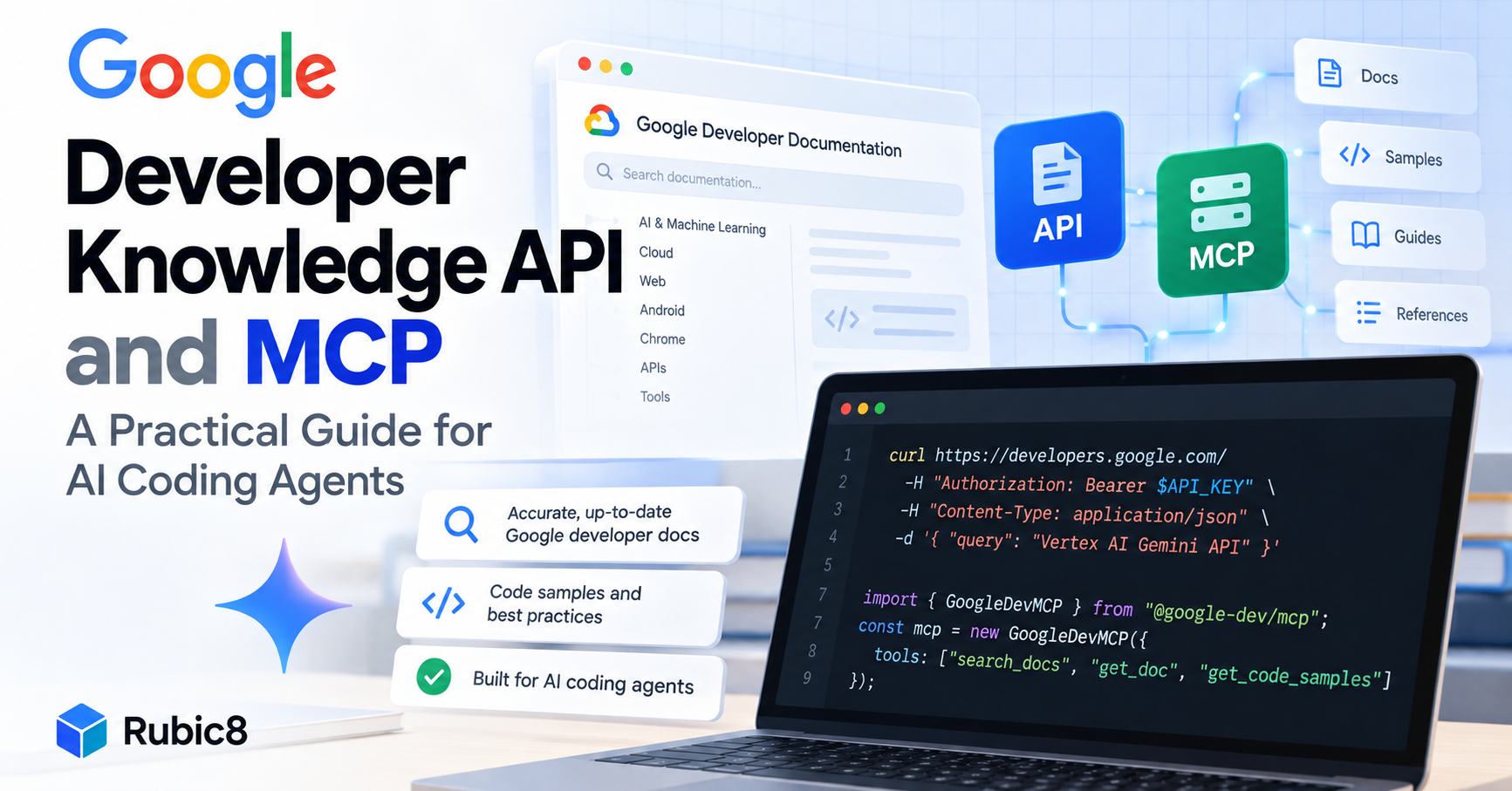
On October 7, 2026, Google highlighted a broader Developer Knowledge API ecosystem for giving agents and developer tools machine-readable access to current Google documentation. The ecosystem now includes the API, an official remote Model Context Protocol (MCP) server, gcloud commands, client libraries, API Explorer, and an agent skill.
The important idea is not that another chatbot can answer programming questions. It is that a coding agent can retrieve documentation from an official corpus instead of guessing URLs, scraping changing HTML, or depending entirely on its training cutoff.
This guide explains what the Developer Knowledge API and MCP server actually do, how they differ, how to connect an MCP-compatible coding assistant, when to use search rather than generated answers, and which limitations matter in production.
What Google announced on October 7, 2026
Google's October 7 post presented the Developer Knowledge API as part of a complete developer workflow rather than a standalone endpoint. It emphasized several ways to access the same documentation corpus:
- the remote Developer Knowledge MCP server for compatible AI tools;
- REST endpoints for custom applications;
- official client libraries for Python, Node.js and TypeScript, Go, and Java;
- gcloud CLI commands;
- an API Explorer for interactive testing;
- and Google's
retrieving-developer-knowledgeagent skill.
Important timeline clarification: the product itself was not first released on October 7. Google's release notes show that the API and MCP server entered public preview on February 4, 2026 and became generally available on April 16, 2026. The October post is best understood as a current overview of the expanded ecosystem and recommended integrations.
Official source: Google Developers Blog: Supercharge your development with the Developer Knowledge API ecosystem.
What the Developer Knowledge API does
The Developer Knowledge API provides programmatic access to Google's public developer documentation. Results are returned as structured data and documentation content is available in Markdown, which is usually easier for an agent to consume than a full web page with navigation, scripts, and presentation markup.
The API exposes three main workflows.
SearchDocumentChunks: retrieve relevant passages
Use search when you want evidence rather than a synthesized answer. A query returns relevant snippets, document identifiers, page URLs, and metadata. This is useful when your application needs to show sources, rank passages itself, or send selected context to a model under its own control.
GetDocument and BatchGetDocuments: fetch full pages
After search identifies useful documents, your application can retrieve the full Markdown content. Batch retrieval supports up to 20 document names in one request. This two-stage design avoids downloading full pages before you know which ones are relevant.
AnswerQuery: generate a grounded answer
AnswerQuery returns a synthesized answer based on the documentation corpus, including references and citations. It can save implementation time when the desired result is a direct answer, but it has a much smaller default quota than search. It should also be treated as generated output: inspect its references before using it for a consequential change.
Google's published default quotas at the time of writing are 50 AnswerQuery requests per day per project, 100 SearchDocumentChunks requests per minute per project, and 100 combined GetDocument/BatchGetDocuments requests per minute per project.
Official sources: Developer Knowledge API overview and quotas and limits.
Developer Knowledge API vs MCP server
The API and MCP server use the same underlying idea, but they serve different integration needs.
| Option | Best for | What you control |
|---|---|---|
| Developer Knowledge MCP server | Connecting an existing MCP-compatible coding assistant quickly | Tool availability, prompts, and agent policy |
| REST API | Custom apps, retrieval pipelines, and server-side integrations | Requests, ranking, caching, UI, and downstream model use |
| Client libraries | Typed application code using Google authentication patterns | Application logic without hand-writing HTTP requests |
| gcloud CLI | Terminal exploration, scripts, and operational workflows | Commands and shell automation |
If your coding assistant already supports remote MCP servers, MCP is usually the fastest route. If you are building a documentation search feature, an internal support bot, or a retrieval layer with custom ranking and caching, use the REST API or a client library.
Connect an MCP-compatible coding assistant
The official global MCP endpoint is:
https://developerknowledge.googleapis.com/mcpGoogle documents API-key authentication for third-party IDEs and CLI agents, and OAuth or Application Default Credentials for environments that support those flows. A generic remote MCP configuration looks like this:
{
  "mcpServers": {
    "google-developer-knowledge": {
      "url": "https://developerknowledge.googleapis.com/mcp",
      "headers": {
        "X-Goog-Api-Key": "${DEVELOPERKNOWLEDGE_API_KEY}"
      }
    }
  }
}
The exact configuration file and environment-variable syntax depend on the MCP client. Follow the client's current documentation rather than copying a configuration into an unrelated tool.
Before connecting:
- Select or create the appropriate Google Cloud project.
- Enable the Developer Knowledge API.
- Create an API key or configure an approved OAuth/ADC workflow.
- Restrict the API key to the Developer Knowledge API.
- Store the key in an environment variable or secret manager, not in source control.
- Add the remote MCP endpoint to the coding assistant.
- Restart or reload the client, then confirm that the documentation tools are visible.
The MCP server currently exposes three core tools: search_documents, get_documents, and answer_query. A well-behaved agent should search first, fetch full documents only when more context is required, and reserve generated answers for questions where synthesis is actually useful.
Official source: Connect to the Developer Knowledge MCP server.
Test the REST API with cURL
For a direct API integration, Google requires the API to be enabled and requests to be authenticated. Keep the key outside the command history when possible. The following pattern uses an environment variable:
export DEVELOPERKNOWLEDGE_API_KEY="YOUR_API_KEY"

curl -X POST \
  "https://developerknowledge.googleapis.com/v1:answerQuery" \
  -H "Content-Type: application/json" \
  -H "X-Goog-Api-Key: ${DEVELOPERKNOWLEDGE_API_KEY}" \
  -d '{
    "query": "How should I authenticate a server-side application to Google Cloud APIs?"
  }'
Do not stop at printing the answer text. A production interface should display or log the returned references, handle 429 RESOURCE_EXHAUSTED, and make it clear when a response was generated rather than directly quoted from a page.
For retrieval-heavy applications, use document search instead of spending the limited AnswerQuery quota on every interaction. You can then pass the most relevant excerpts to your chosen model with explicit citations.
Use the official Node.js client
Google publishes an official Node.js and TypeScript package:
npm install @google/developer-knowledgeThe client library uses Application Default Credentials. A minimal answer example follows Google's documented pattern:
const {DeveloperKnowledgeClient} = require('@google/developer-knowledge').v1;

async function askGoogleDocs(query) {
  const client = new DeveloperKnowledgeClient();
  const [response] = await client.answerQuery({query});

  return {
    answer: response.answer?.answerText || '',
    citations: response.answer?.citations || [],
    references: response.answer?.references || []
  };
}

askGoogleDocs('How do Firebase security rules evaluate requests?')
  .then(console.log)
  .catch(console.error);
In production, add timeouts, retry rules for transient failures, structured logging, quota monitoring, and output validation. Do not retry authentication errors indefinitely, and do not let a generated answer trigger an infrastructure change without review.
Official source: Developer Knowledge API client-library quickstart.
What documentation is included?
The corpus covers many Google developer properties, including documentation for Google Cloud, Firebase, Android, Chrome, Flutter, Dart, Go, Google AI, Maps Platform, TensorFlow, web.dev, and other listed domains.
It is not a general web search engine. Google's known limitations say that the corpus includes only the public pages listed in its corpus reference. Content from unrelated sites, GitHub repositories, blogs, YouTube, private documentation, and your own codebase is outside that scope unless separately supplied to the agent.
Google says its goal is to re-index content within 48 hours of publication so updated documentation becomes available within two business days. That is a target, not a guarantee that every response reflects a change immediately.
Markdown is generated from source HTML, so formatting differences can occur. Applications that depend on exact tables, code blocks, or page structure should validate the retrieved content instead of assuming perfect conversion.
Official source: Developer Knowledge corpus reference.
Search first or ask for an answer?
Choose the method based on the job, not on which response looks most impressive.
Use search when:
- you need source passages that users can inspect;
- you want to apply your own ranking or domain filters;
- you need predictable retrieval at higher request volume;
- you plan to combine Google documentation with your own code or knowledge base;
- or the final answer will be generated by another model.
Use AnswerQuery when:
- the user needs a concise synthesis across documentation pages;
- the default daily quota is sufficient;
- your interface preserves references and citations;
- and a human or downstream process can verify important conclusions.
A practical agent can start with search_documents, inspect the relevance of results, call get_documents for full context, and synthesize only after evidence has been collected. This pattern is usually more transparent than treating a generated answer as an oracle.
Security and reliability checklist
- Restrict credentials: limit the API key to the Developer Knowledge API and use separate keys for separate environments.
- Keep secrets out of prompts: never paste keys into chat messages, source files, screenshots, or public issue reports.
- Verify citations: confirm that a referenced document actually supports the claim being made.
- Validate code: retrieved documentation can improve context, but generated code still needs tests, linting, and security review.
- Expect change: tools, quotas, package versions, and corpus coverage can change. Re-check official documentation before deployment.
- Handle failure explicitly: distinguish invalid credentials, missing documents, quota exhaustion, and transient service errors.
- Log responsibly: record enough detail for debugging without storing secrets or unnecessary user data.
When inspecting API output during development, a formatter can make structured responses easier to read. Use the Rubic8 JSON Formatter for readable indentation. If you need to determine whether a payload is syntactically valid rather than merely reformat it, use the JSON Validator.
Where the API adds real value
The strongest use cases are not generic chatbots with a Google-colored interface. They are workflows where fresh, attributable documentation changes the quality of a technical decision.
- IDE assistance: retrieve current configuration and API guidance before proposing code.
- Migration support: compare current instructions with an application's existing implementation.
- Documentation search: let developers search across multiple Google product domains from one interface.
- Support triage: ground suggested troubleshooting steps in official documentation.
- Release monitoring: search updated pages and route potentially relevant changes to an engineering team.
- Agent guardrails: require source retrieval before an agent recommends a cloud or security configuration.
The API does not remove the need for expertise. It improves the evidence available to the agent. Architecture choices, compatibility, costs, security implications, and the correctness of generated code still belong to the developer and the organization operating the system.
Frequently asked questions
Is the Google Developer Knowledge API new?
Google introduced the API and MCP server in public preview on February 4, 2026 and marked them generally available on April 16, 2026. The October 7, 2026 announcement highlights the expanded ecosystem and current ways to use it.
Does it search the entire web?
No. It searches a defined corpus of public Google developer documentation domains. Use a web-search product for broader or non-Google sources.
Can it read my private repository?
Not by itself. The Developer Knowledge corpus does not include your private codebase. An agent may combine this service with separate repository tools, subject to your access controls.
Which MCP tools are available?
The official server documents search_documents, get_documents, and answer_query.
Does it guarantee correct code?
No. Current official documentation reduces one source of error, but generated code and interpretations must still be tested and reviewed.
What are the default quotas?
At the time of writing, Google lists 50 AnswerQuery requests per day per project, 100 document-search requests per minute per project, and 100 combined document-retrieval requests per minute per project. Check the live quota page before designing capacity around these values.
Bottom line
Google's Developer Knowledge ecosystem gives AI coding tools a cleaner route to current official documentation. MCP makes that corpus accessible to compatible assistants with relatively little integration work, while the REST API and client libraries provide more control for custom applications.
The most reliable pattern is simple: retrieve evidence, preserve citations, fetch full context when needed, validate generated output, and keep a human in control of consequential changes. Fresh documentation improves an agent's starting point; disciplined engineering determines whether the result is safe and useful.
Official sources
- Google Developers Blog announcement — October 7, 2026
- Developer Knowledge release notes
- Developer Knowledge API overview
- Developer Knowledge MCP server guide
- Quotas and limits
- Corpus reference
Rubic8 Editorial Team
Editorial Team
Rubic8 creates practical guides and free tools for developers, webmasters, and digital publishers. Our fast-changing technical content is reviewed against current primary documentation before publication.
